

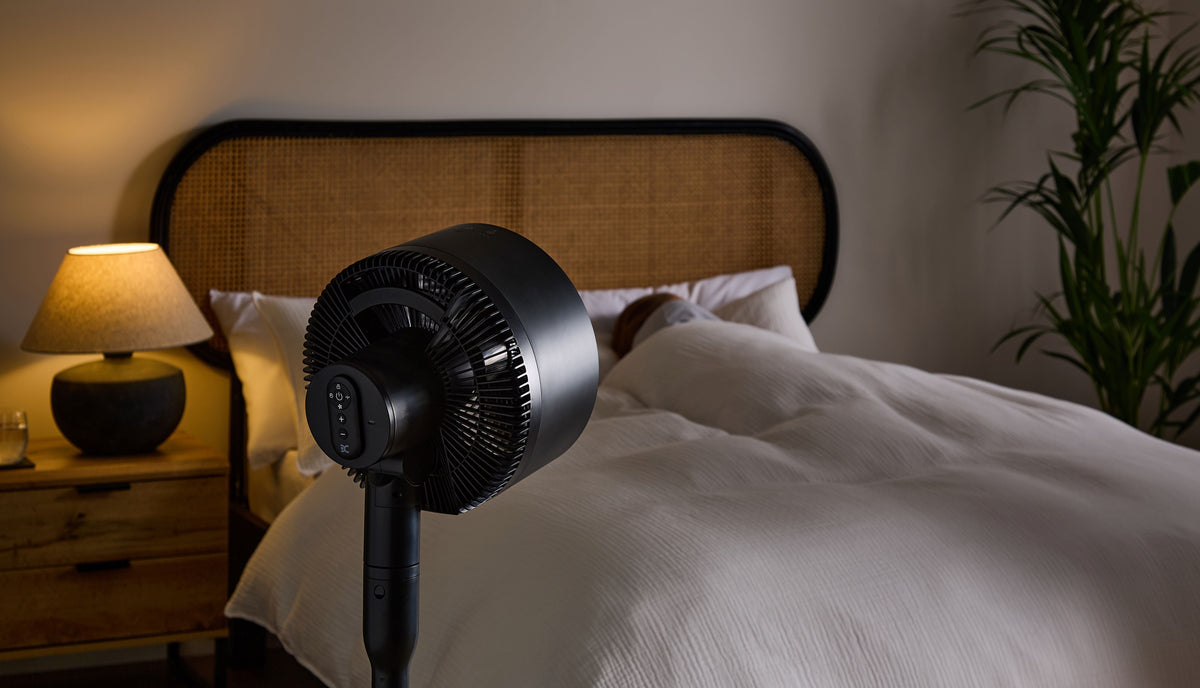
A fan that hums quietly in the background is a comfort. A fan that rattles, whirs, or clicks its way through the night is anything but. If your cooling fan has started making more noise than usual, there's usually a straightforward reason — and often a simple fix. Here are the seven most common causes.
1. Dust and debris on the blades
This is the most common culprit. Dust builds up on fan blades over time, creating an uneven weight distribution that causes vibration and noise. The fix is simple: turn off and unplug the fan, then carefully clean the blades with a soft brush or damp cloth. Many tower fans can also be wiped down through the grille with a compressed air canister.
2. Loose components
Screws, grilles, and housing panels can loosen over time — especially on fans that get moved around. A loose part vibrates against the main body as the fan runs, producing a rattle that gets worse at higher speeds. Check all visible screws and fixings, and gently press around the housing to find the source of the vibration.
3. An unbalanced or bent blade
If a blade is even slightly bent or chipped, it disrupts the airflow and causes the fan to wobble. This puts strain on the motor and creates a persistent hum or wobble. On fans with accessible blades, carefully try to straighten a bent blade by hand. If the blade is cracked, the safest solution is a replacement.
4. Worn bearings in the motor
Fan motors rely on small bearings to spin smoothly. Over time, these bearings wear down, producing a grinding or whirring sound that gets louder as the motor ages. This is more common in fans that have been running for several years. Unfortunately, worn bearings usually mean it's time to replace the fan rather than repair it.
5. The fan is on an uneven surface
A fan sitting on an uneven floor or desk can vibrate more than usual simply because it isn't balanced. Try placing the fan on a flat, firm surface and see whether the noise reduces. A non-slip mat under the base can also absorb vibration and reduce noise.
6. Something is obstructing the blades
A small object — a piece of paper, a cable, even a sticker — caught near the blades can produce a consistent ticking or flapping sound. Turn the fan off, unplug it, and check around and inside the grille for anything that shouldn't be there.
7. The fan is simply old
All mechanical things wear out. If your fan is several years old and has started making new or louder sounds despite being clean and properly maintained, it may simply be reaching the end of its lifespan. Modern fans are significantly quieter than older models — a quality replacement can make a noticeable difference.
When to replace your fan
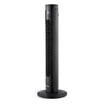
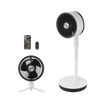
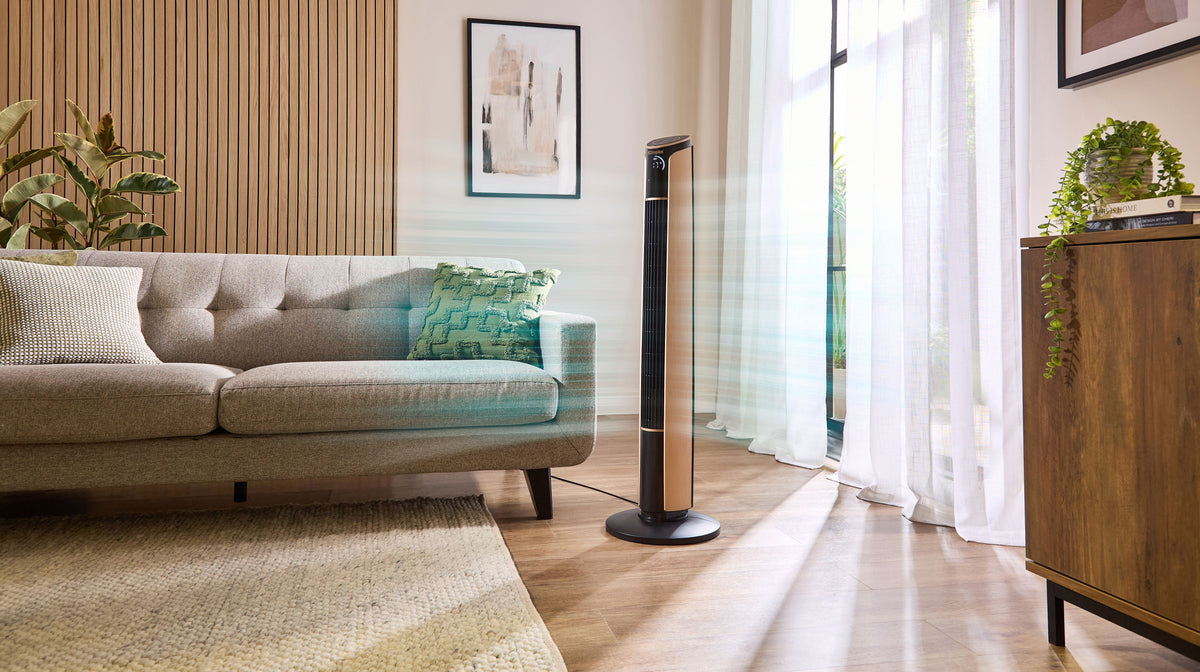
If cleaning and tightening don't fix the noise, or if the sound comes from the motor, it's usually more cost-effective to replace the fan than to repair it. Modern tower fans and desk fans from Dimplex are engineered for quiet operation, with low-noise motors designed specifically for bedroom and office use.
Shop quiet fans at shopdimplex.com


Leave a comment
This site is protected by hCaptcha and the hCaptcha Privacy Policy and Terms of Service apply.